
5 Best Tools for Automating Service Businesses
Table of Contents
- Why Automation Matters for Service Businesses
- Quick Comparison Table
- 1. HubSpot CRM: All-in-One Lead and Client Management
- 2. Zoho CRM: Affordable Customisation and AI-Driven Insights
- 3. Asana: Project Management and Workflow Automation
- 4. Zapier: Connect Your Tools Without Code
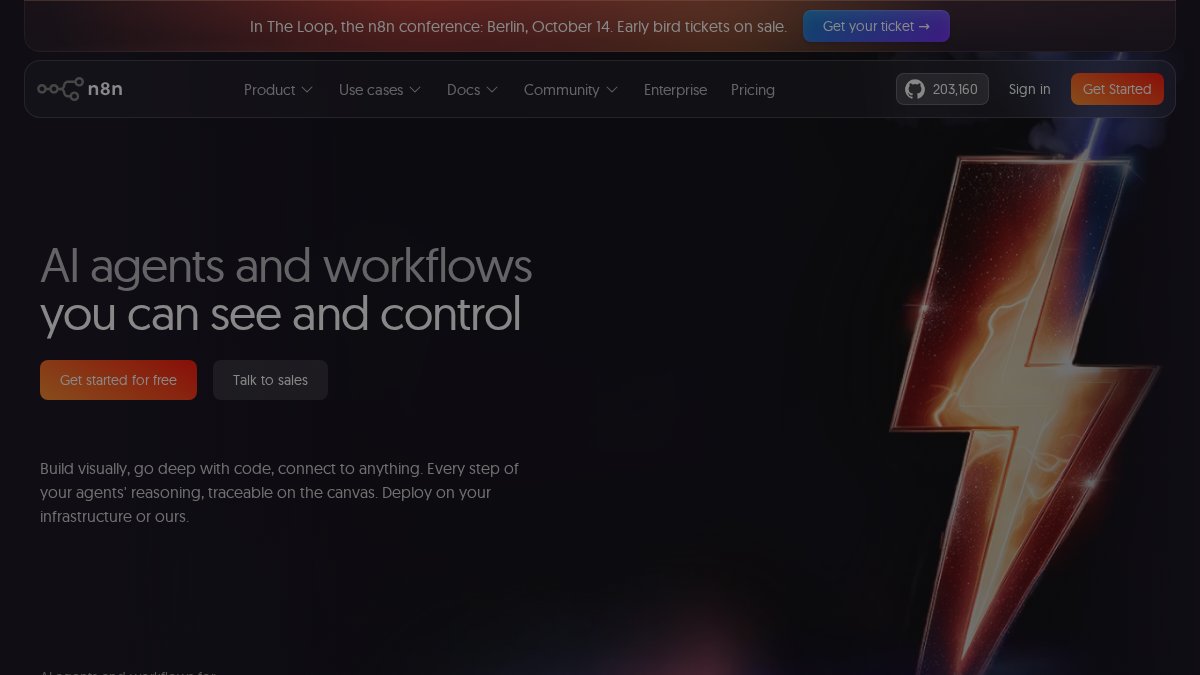
- 5. n8n and Microsoft Power Automate: Advanced Automation for Complex Workflows
- How to Productise Your Service Business Through Automation
- Frequently Asked Questions
Last Updated: September 3, 2026
Why Automation Matters for Service Businesses
The biggest problem facing service businesses isn't lack of ambition, it's founder dependency. You're the bottleneck. Every client conversation, proposal, and follow-up lands on your desk. The business can't grow beyond what you can personally deliver.
Automating service businesses solves this. When you remove manual, repetitive tasks, you free up time to focus on what actually drives revenue: client delivery and strategic growth. But here's what most founders miss: automation isn't about buying software and hoping it works. It's about choosing the right tools that fit how your business operates, then installing them systematically.
At Level Up Business Mastery, we've worked with 500+ service-based founders over 8+ years, helping them generate over $45M in combined revenue. The ones who scaled fastest weren't the ones with the fanciest tech stack. They automated the right processes in the right order: lead capture, client onboarding, project management, and internal operations.
This guide covers five best tools for automating service businesses, tools that work for consultants, coaches, trainers, and agencies. We'll show you what each does, who it's for, and how to implement it so automation becomes part of your system, not another unused tab.
Quick Comparison Table
| Tool | Best For | Starting Price | Free Tier | Key Strength |
|---|---|---|---|---|
| HubSpot CRM | Lead management & marketing automation | ~$20 USD/month | Generous free CRM | Integrated workflows across sales, marketing, service |
| Zoho CRM | Budget-conscious teams needing customisation | ~$25 AUD/user/month | Free for 3 users | Highly customisable, AI assistant included |
| Asana | Project management and team collaboration | ~$13.49 AUD/user/month | Free for 15 users | Flexible views, built-in task automation |
| Zapier | Connecting disparate apps without code | $29.99 USD/month (Starter) | Free (100 tasks/month) | 6,000+ app integrations |
| n8n & Power Automate | Complex, multi-step workflows | $24 USD/month (n8n Cloud) | Free (self-hosted) | Advanced logic, conditional branching |
1. HubSpot CRM: All-in-One Lead and Client Management
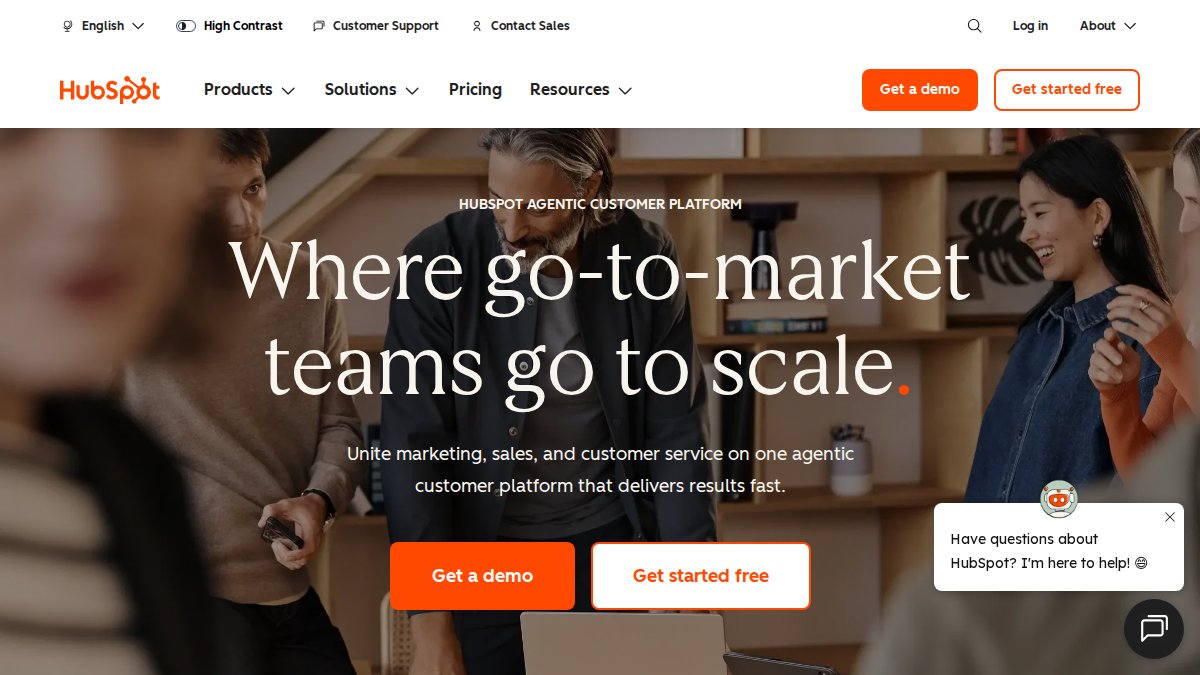
HubSpot is the default choice for service businesses managing leads, nurturing clients, and automating marketing communications from one platform. It's the most integrated option, which matters when you're reducing tool sprawl.
The CRM sits at the centre, and everything connects to it. Your sales team logs a call, and an automated email sequence triggers. A prospect fills out a form, and they're automatically tagged and assigned. Client onboarding flows happen without manual intervention.
The AI capabilities are genuinely useful. Predictive lead scoring tells you which prospects are most likely to convert (peer-reviewed research). Email subject line suggestions and content recommendations save time without feeling robotic. The service hub handles ticket management and client communication in one place.
Pros:
- Generous free tier covers essential CRM and basic marketing automation
- Workflow automation is powerful and intuitive without coding
- 1,000+ app integrations keep you connected
- AI features improve over time and actually save time
Cons:
- Pricing increases significantly as you scale contacts and add hubs
- Reporting can be clunky for custom dashboards
- Implementation takes time to map your processes first
2. Zoho CRM: Affordable Customisation and AI-Driven Insights
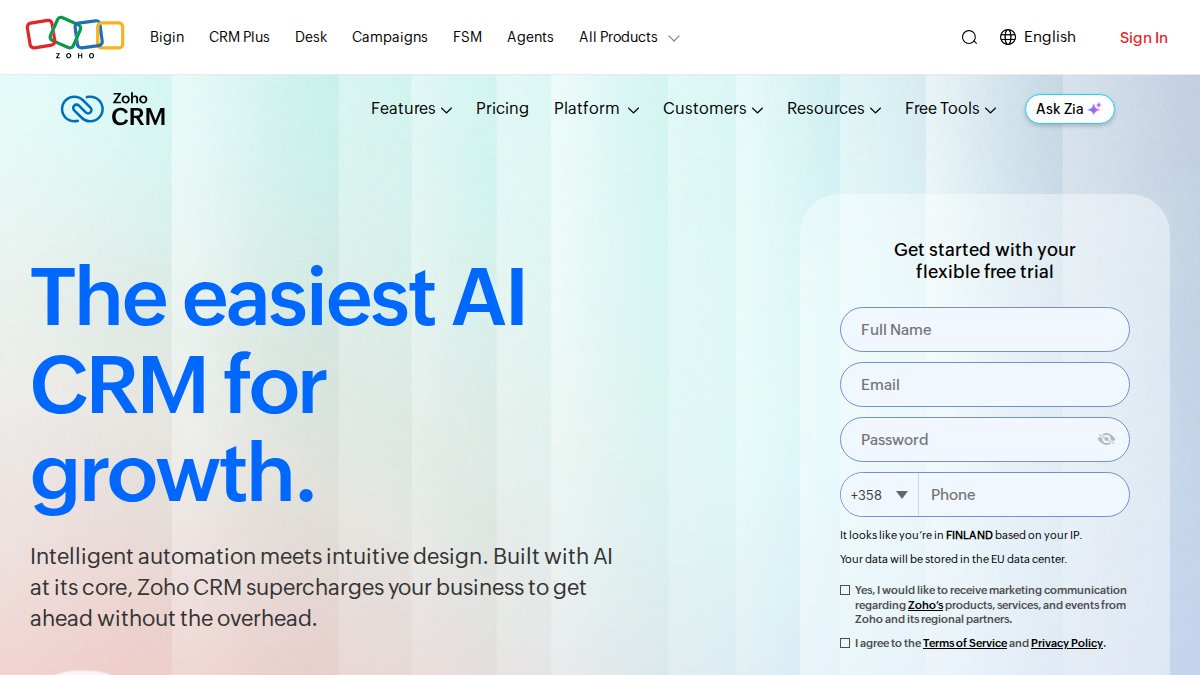
Zoho CRM is the better choice if you need deep customisation without enterprise pricing. It's built for teams with specific workflows that generic tools don't accommodate.
The AI assistant, Zia, does the heavy lifting: predictive lead scoring, anomaly detection, and workflow recommendations based on your actual patterns (zoho.com). For service businesses managing complex client relationships, this intelligence is valuable. You see which deals are stalling, which clients are at risk of churning, and where your sales process has bottlenecks.
Customisation is Zoho's superpower. You can build custom fields, modules, and workflows without code. If your service business has a unique sales process, discovery call, proposal, contract negotiation, onboarding, Zoho lets you model it exactly as it happens.
The Zoho ecosystem is also an advantage. If you're using Zoho Books for invoicing, Zoho Projects for delivery, and Zoho Desk for support, they all connect seamlessly. You're building an integrated operating system, not bolting separate tools together.
Pros:
- Transparent, affordable pricing starting at ~$25 AUD/user/month
- Customisation depth rivals enterprise CRMs at a fraction of the cost
- Zia AI provides genuinely useful insights
- Integrates with 40+ Zoho apps for a unified platform
Cons:
- Interface isn't as polished as HubSpot, it feels more technical
- Australian partner ecosystem is smaller
- Steep learning curve if you're new to CRM systems
3. Asana: Project Management and Workflow Automation
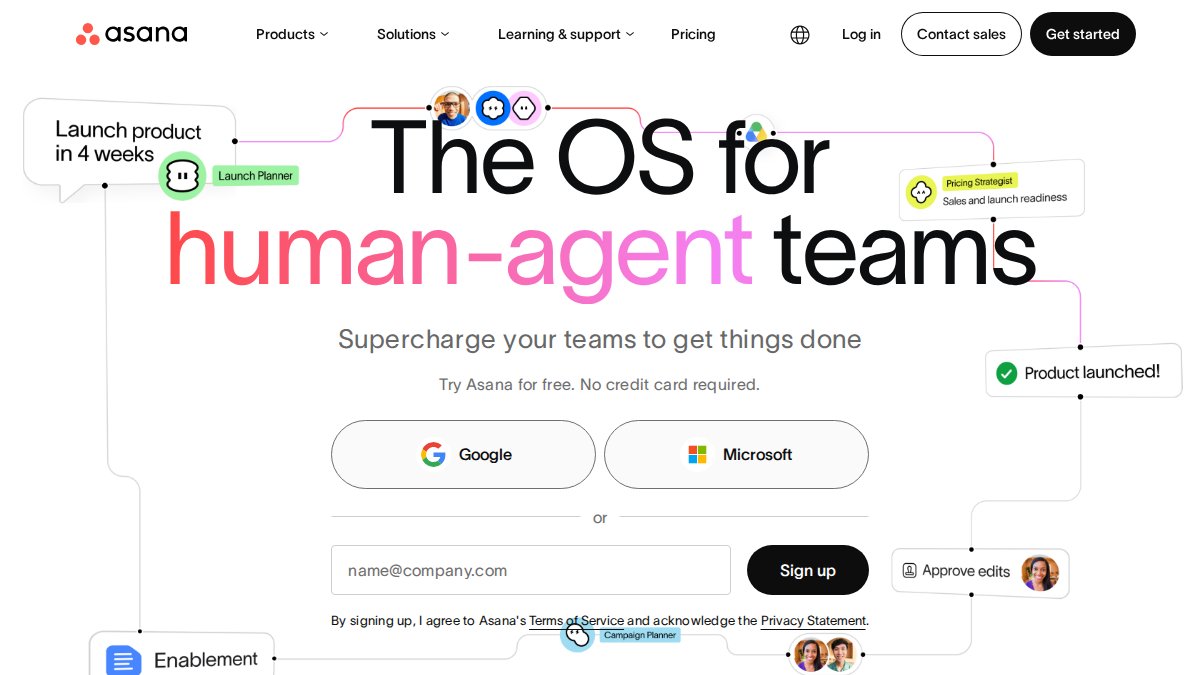
Asana isn't a CRM, it's a project management system. But for service businesses, it's where operational efficiency happens. Once a client is onboarded, Asana is where your team actually delivers.
What Asana solves: the chaos of email threads, Slack messages, and spreadsheets. Every project has a single source of truth. Tasks are assigned, deadlines are clear, dependencies are visible. For agencies managing multiple client projects simultaneously, this is non-negotiable.
The workflow automation is underrated. You can set up rules that automatically move tasks through stages, assign tasks when conditions are met, and send status updates without manual intervention. Overdue tasks can escalate automatically. Milestone completions can trigger client notifications.
The flexibility is key. Teams use List view (to-do list), Board view (Kanban), Timeline view (Gantt charts), or Calendar view. Your team works the way they actually work.
Pros:
- Multiple project views accommodate different working styles
- Built-in workflow automation simplifies repetitive task management
- Strong collaboration features keep distributed teams aligned
- Integrates with 100+ apps including Slack, Google Workspace, and Zapier
Cons:
- Not a CRM, you'll need a separate tool for lead management
- Can become overwhelming with hundreds of tasks
- Pricing adds up with large teams
4. Zapier: Connect Your Tools Without Code
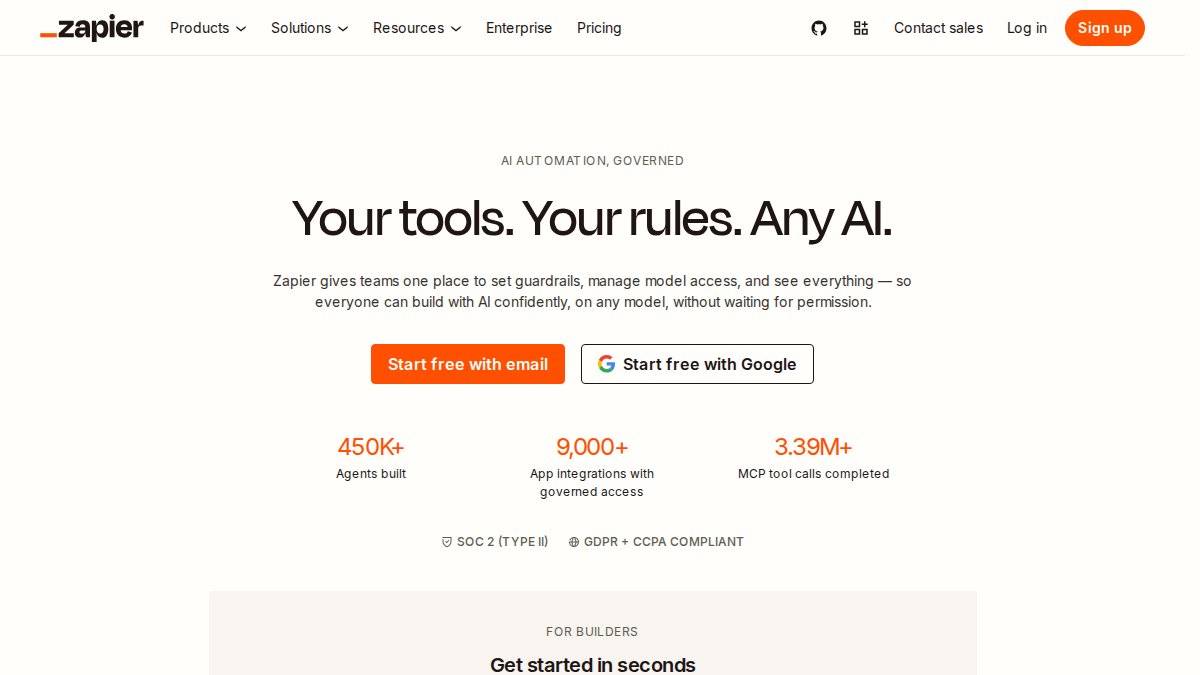
Zapier is the glue that holds your tech stack together. It connects over 6,000 apps, allowing you to automate workflows across tools that don't natively integrate.
Here's what it solves: you use HubSpot for leads, Asana for projects, Slack for communication, and Google Sheets for reporting. Without Zapier, you're manually moving data between them. With Zapier, a new lead in HubSpot automatically creates an Asana task, sends a Slack notification, and logs the contact in your Google Sheet.
The AI-powered Zap Builder is genuinely useful. Instead of clicking through dozens of fields, you describe what you want in plain language, and Zapier suggests the automation.
For service businesses, common Zaps include:
- New form submission → create CRM contact → send welcome email
- Completed project in Asana → trigger invoice → send client notification
- New calendar event → create task reminders → update team Slack channel
The limitation is pricing. Zapier charges based on task volume (zapier.com). A small team might stay in the free tier (100 tasks/month), but as you scale automation, costs climb.
Pros:
- Unmatched app integration library (6,000+ apps)
- No coding required, setup is visual and intuitive
- AI Zap Builder speeds up workflow creation
- Free tier is generous for testing
Cons:
- Task-based pricing becomes expensive at scale
- Complex conditional logic can be clunky compared to dedicated platforms
- Some integrations are community-maintained, so reliability varies
5. n8n and Microsoft Power Automate: Advanced Automation for Complex Workflows
If your workflows are complex with multiple decision points, conditional logic, and error handling, you need a platform built for that. n8n and Microsoft Power Automate handle what Zapier can't.
n8n is open-source and self-hosted, giving you full control over your data and infrastructure. You build workflows using a node-based editor, where each node represents a step. You can handle complex logic: if a lead comes from a specific source AND hasn't engaged in 7 days, trigger a different sequence than if they're hot.
The self-hosting option is valuable if you have data privacy concerns or need compliance with specific regulations. Your data stays on your infrastructure.
Microsoft Power Automate is the better choice if you're already deep in the Microsoft ecosystem (Teams, Outlook, SharePoint). It integrates seamlessly with Microsoft 365 and includes Robotic Process Automation (RPA) for automating desktop tasks. If your team uses Excel, Word, and Teams daily, Power Automate feels native.
Both platforms have steeper learning curves than Zapier. You need to understand workflow logic, conditional statements, and data mapping. But the payoff is automation that handles your real processes.
n8n Pros:
- Full data control via self-hosting
- Cost-effective for high-volume or complex automations
- Node-based editor is powerful for intricate workflows
- Open-source means transparency and customisation
n8n Cons:
- Requires technical expertise for setup and maintenance
- Self-hosting means you're responsible for infrastructure and updates
- Community support is smaller than Zapier's
Power Automate Pros:
- Deep integration with Microsoft 365 suite
- Combines cloud automation with desktop RPA
- Included in many Microsoft 365 subscriptions
- Strong documentation and support from Microsoft
Power Automate Cons:
- Steeper learning curve for non-Microsoft users
- Licensing can be complex
- Less flexible than n8n for highly customised workflows
Power Automate: Teams already invested in Microsoft 365. Use it if you're automating processes across Teams, Outlook, SharePoint, and Excel.
How to Productise Your Service Business Through Automation
Here's where automation intersects with scaling: automation alone doesn't solve founder dependency. The real shift happens when you use automation to productise your service.
Productisation means packaging your expertise into a repeatable, systematised offering. Instead of custom work for every client, you have defined packages, clear deliverables, and predictable timelines. Automation is the engine that makes productisation work.
The diagnostic question is simple: Can your business deliver its promise without you acting as the glue?
If the answer is no, automation won't fix it. You'll just automate chaos. But if you've already defined your process, your discovery call, your proposal template, and your delivery methodology, then automation removes the manual work slowing you down.
Here's the implementation roadmap:
Step 1: Map your core client journey. From first contact to delivery completion, what are the steps? Where are you personally involved? Where could a system handle it?
Step 2: Identify the highest-use automations. Focus on the ones that happen repeatedly and consume the most time. For most service businesses, this is lead capture, client onboarding, and project handoff.
Step 3: Choose your primary tool. If you need lead management and marketing automation, start with HubSpot or Zoho. If you need project delivery, add Asana. Use Zapier to connect them. Only move to n8n or Power Automate if Zapier can't handle your workflows.
Step 4: Systemise before you automate. Document your process first. Automation of a broken process is just faster chaos. Once the process is clear and repeatable, automate it.
Step 5: Measure what changes. Track the time saved, the number of manual tasks eliminated, and the quality of client experience. Automation should free you up to do higher-value work.
The founders we've worked with at Level Up Business Mastery who scaled fastest did this in order. They didn't buy every tool and hope for the best. They chose one tool, installed it properly, and moved to the next. That's how you build a business that works without you being everywhere. Many of them started with our 12 Week Launchpad for Startups to map and systematise their core processes before adding automation layers, then progressed to our Accelerator Membership as they scaled.

Automation is the foundation of scaling beyond founder dependency. But the tool you choose matters less than how you implement it. The best CRM in the world won't help if your sales process isn't defined. The best project management tool won't save time if your delivery methodology is unclear.
If you're ready to stop trading time for money and build a service business that scales without you, Level Up Business Mastery helps expert-led founders productise their expertise, install scalable systems, and remove themselves as the bottleneck. We've helped 500+ founders generate over $45M in combined revenue through our Launchpad, Accelerator, and Elite programs built on The Level Up Method™ (Productise → Systemise → Scale). Apply to work with us and discover how we transform service businesses from founder-dependent to founder-optional.
Frequently Asked Questions
What are the best automation tools for service-based businesses?
The best tools depend on your specific needs. HubSpot CRM excels at lead management and marketing automation, Asana dominates project management, and Zapier connects your existing apps. For service businesses, start by identifying your biggest time drain, client onboarding, lead follow-up, or project tracking, then choose a tool that solves that first. Most service businesses benefit from layering a CRM (HubSpot or Zoho) with a project manager (Asana) and an integration platform (Zapier).
How do I choose the right automation tool for a service-based business?
Evaluate tools against three criteria: your operational pain points, your team's technical comfort, and your budget. If you're drowning in manual data entry and lead follow-ups, prioritise a CRM. If projects and task delegation are chaotic, choose Asana. If you need to connect multiple disconnected apps, Zapier solves that. Start with a free tier, test for 2-4 weeks, then decide. Avoid buying five tools at once; systemise one workflow before adding the next.
Can automation help me remove myself as the bottleneck in my business?
Yes, but only if you automate the right processes. Automation removes you from repetitive operational tasks, lead scoring, email follow-ups, task assignments, client onboarding checklists. However, it cannot replace your expertise in delivering the core service. The goal is to automate everything except the high-value work only you can do. When your CRM nurtures leads automatically and your team knows exactly what to do next because Asana tells them, you're no longer the glue holding everything together.
What's the difference between task automation and business systemisation?
Task automation handles individual repetitive actions, sending an email when a lead is added, assigning a task when a project starts. Business systemisation is the bigger picture: documenting your entire client delivery process, mapping every step, then automating the pieces that can be automated. Systemisation without automation is just documentation. Automation without systemisation is random efficiency gains. Together, they remove founder dependency. That's the foundation of The Level Up Method™: Productise your service, Systemise how you deliver it, then Scale without being the bottleneck.
Which automation tools are best for expert-led service businesses?
Expert-led service businesses need tools that protect their time for high-value client work while automating everything else. HubSpot and Zoho handle lead nurturing and client relationship management. Asana manages project delivery and team coordination. Zapier glues them together. The combination removes the founder from operational firefighting, scheduling, follow-ups, status updates, invoicing reminders, so you can focus on strategy, client outcomes, and business growth. This is how service businesses stop trading time for money.
This article was written using GrandRanker